
Less screen,
more life.
Pawlock locks your distracting apps and websites for you. Stop relying on willpower: build a system that actually holds.
- ✓ Your data never leaves your device
- ✓ No account needed
- ✓ Built on your phone's own system controls
- ✓ No ads

It's not you. It's the design.
The apps stealing your time were built by thousands of engineers with one goal: keep you scrolling. Willpower was never a fair fight.

“Just five minutes”
You open it for a moment. An hour later you're still there, and you don't even remember what you saw.
Deleting doesn't work
You delete the app feeling determined. Two days later it's back on your home screen.
Reminders are ignorable
Screen time warnings and “take a break” popups get dismissed with one tap. You need a lock, not a suggestion.
The math is simple: 4 hours × 365 days = 1,460 hours a year. Count a day as 16 waking hours (the other 8 are sleep) and that's 91 full waking days. Pawlock's statistics show your own number, straight from your device.

On the other side, your life is waiting.
You lose nothing by putting the phone down. You gain back a whole day.
How Pawlock works
Three steps. After that, the system works even when your motivation doesn't.
Choose what distracts you
Pick apps, whole categories, or websites with your phone's own picker. Add any site by typing its address.
Lock now, or on a schedule
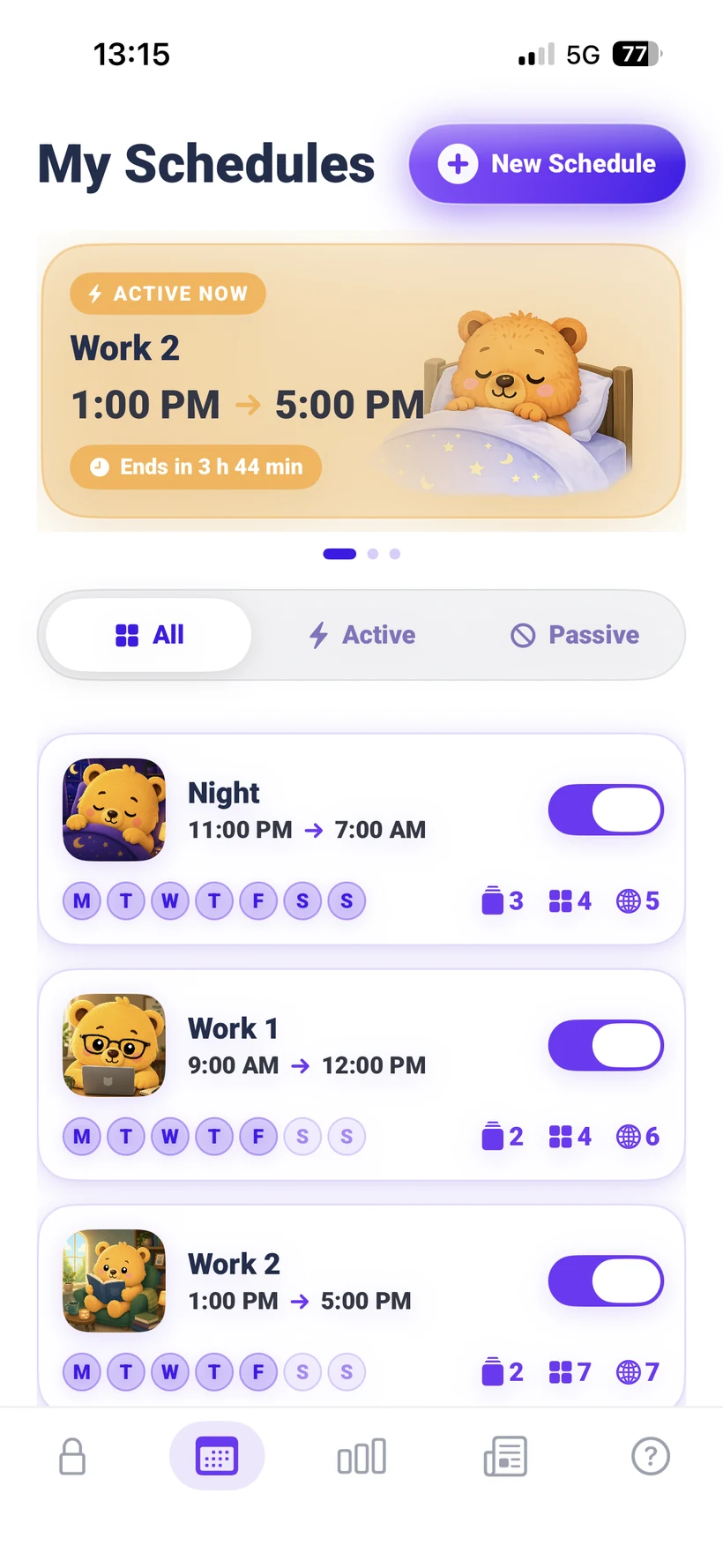
One tap for an instant lock with a timer, or create automatic programs: sleep, study, work. Overnight windows are supported.
No way back. That's the point.
Once a program starts, it can't be ended early. Pawlock stands guard so you can go live your life.
Everything you need to take your time back
Serious blocking underneath, a friendly face on top.
Instant lock
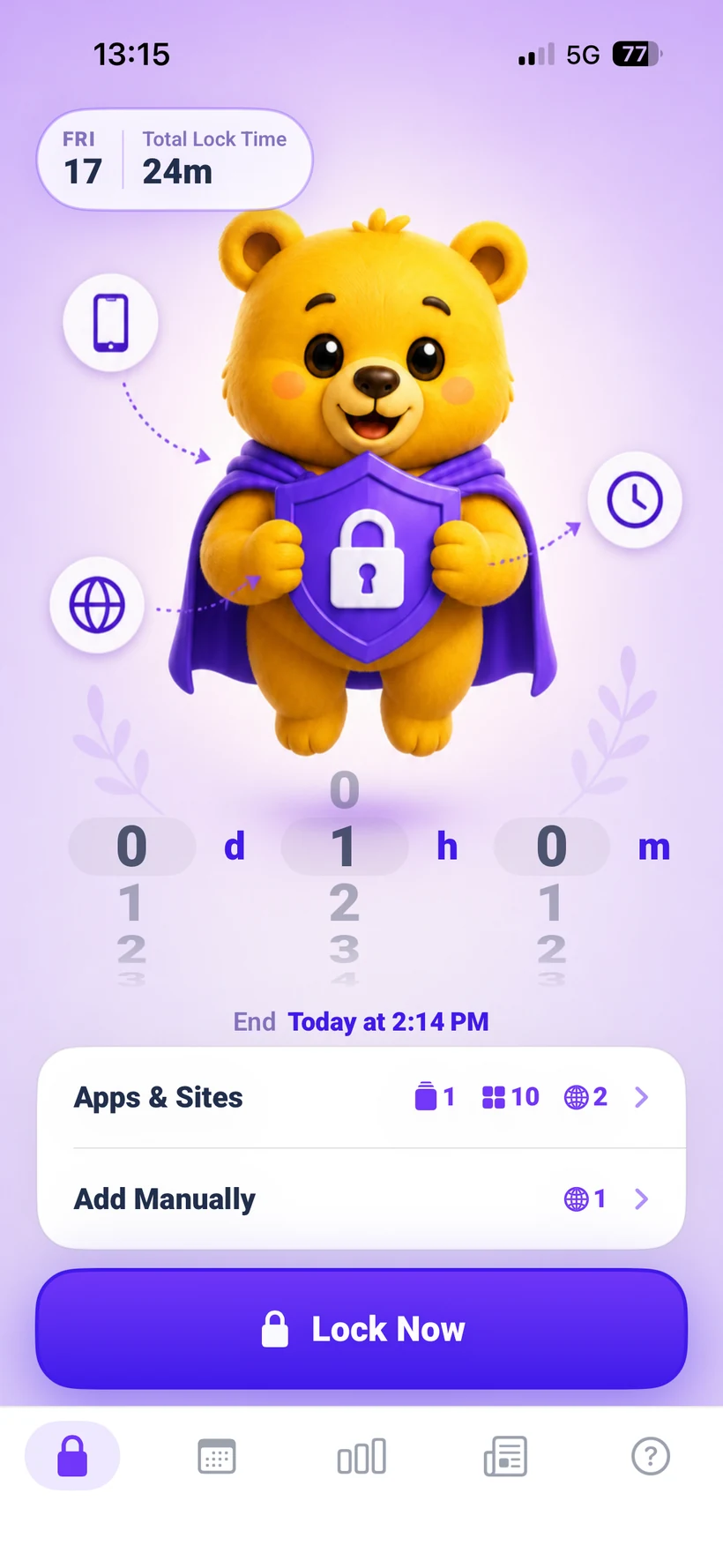
One tap locks your selected apps and sites. Spin the wheel to set days, hours, minutes, and watch the focus countdown.
Personalized program suggestions
Answer a few onboarding questions and Pawlock automatically creates a program suggestion around your habits, goals, and daily routine.
Strict by design
A started program can't be switched off early. The lock that can't be talked out of its job is the one that changes your habits.
Real statistics
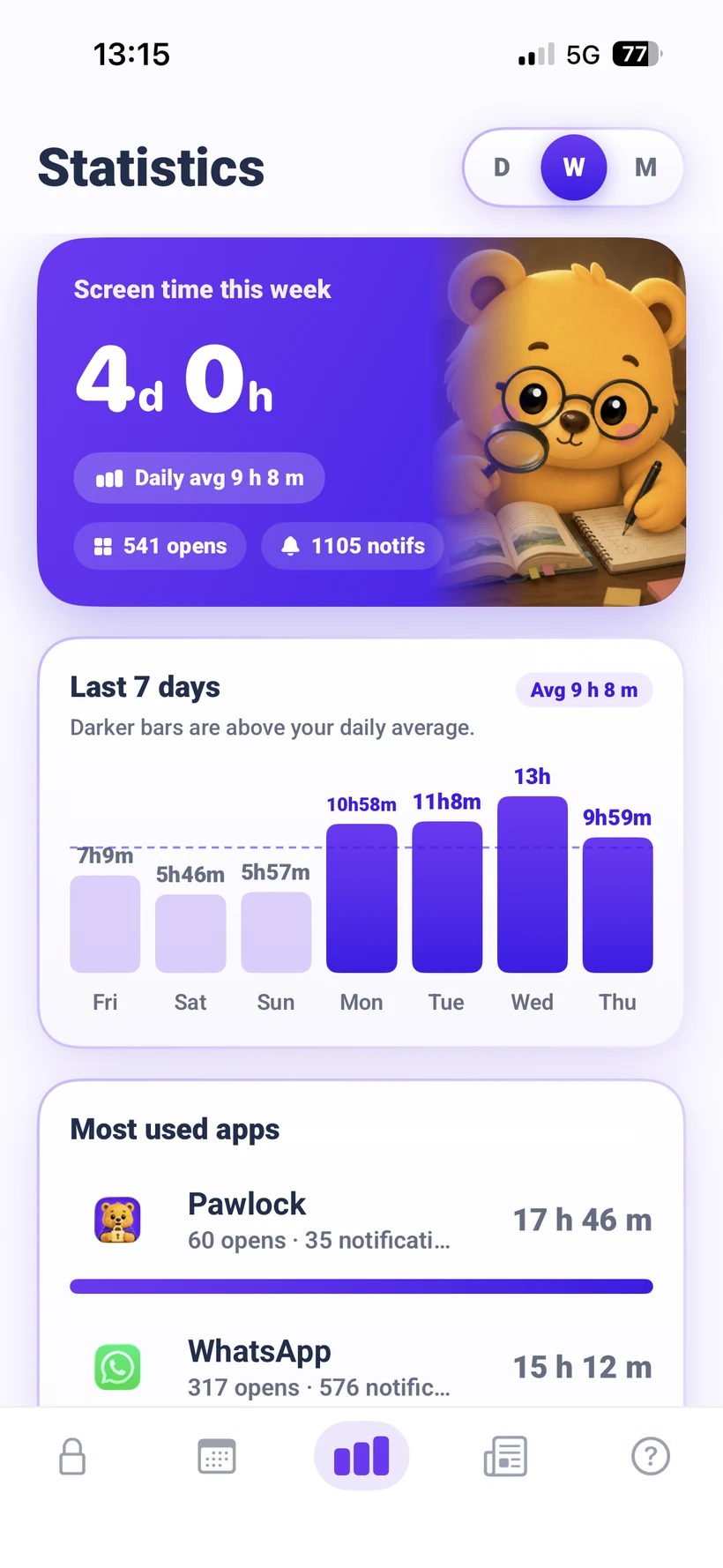
Daily, weekly and monthly usage read from your phone itself. Real numbers from your device, not estimates.
Websites too
Distraction isn't only apps. Block websites and entire categories alongside them, in the same lock.
Private by default
No account, no server, no ads. Your usage data stays on your phone, where the system keeps it.
Live countdowns
Follow every lock through a mascot-led Live Activity on the Lock Screen and a compact countdown in Dynamic Island.
Smart daily notifications
Get a useful daily nudge based on your streak, blocked attempts, or weekly focus summary.
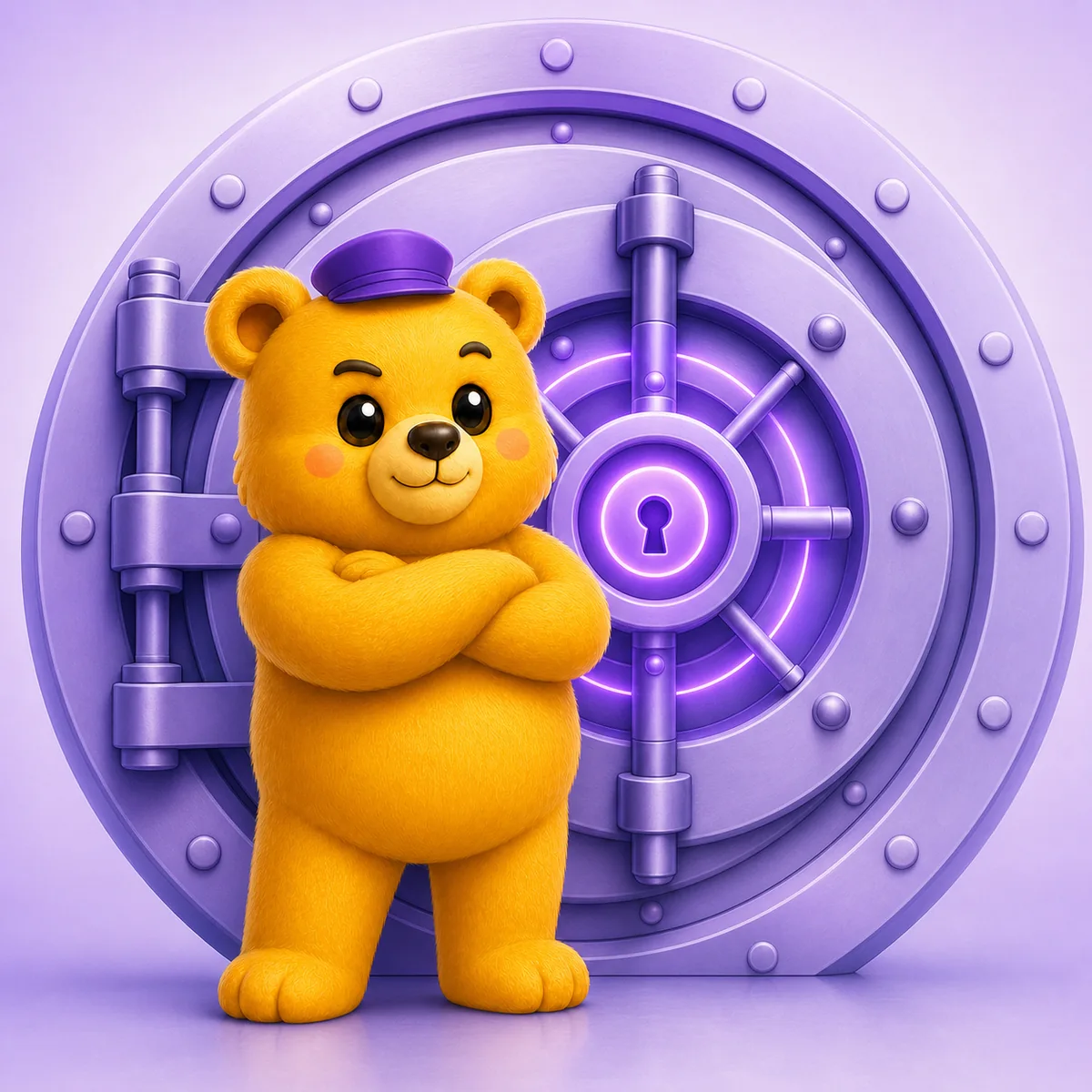
A lock you can't talk your way out of.
Most blockers fold the moment you really want in. Pawlock doesn't. Once a program starts, there is no early exit, no two-tap escape. That's the whole reason it changes your habits.
- ✓ Started programs can't be ended early
- ✓ Built on system-level controls, not a reminder
- ✓ No loophole, no “just this once”
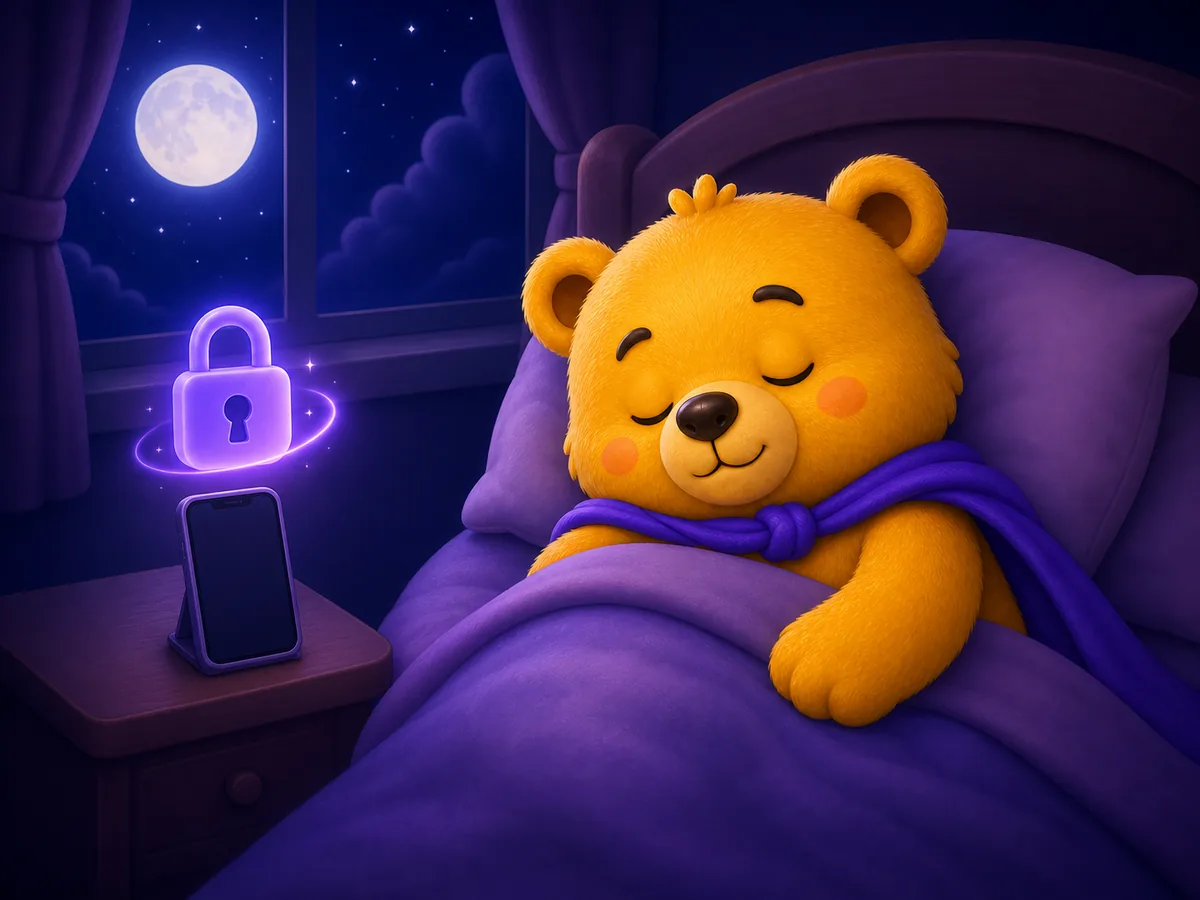
On guard, even while you sleep.
Set your programs once and Pawlock takes over. Every night and every morning it locks right on time. You don't even have to remember.
- ✓ Overnight windows, like 11pm → 7am
- ✓ A notification when each program begins
- ✓ Every day, weekdays or weekends in one tap

See the time you win back
Pawlock shows your before and after: how your usage changes, your busiest hours, and when you tried to open locked apps. Watching the reclaimed hours grow is the best motivation there is.
- ✓ Before and after comparison
- ✓ Your busiest usage hours
- ✓ Reclaimed time, day by day
- ✓ Cut 1 hour a day: 23 waking days back every year
Free vs Pro
Start free. Upgrade when your habits ask for more.
Free
Free forever- 3 instant locks per day
- 1 automatic program
- App, category and website blocking
- Daily Screen Time statistics
- Weekly and monthly Screen Time statistics
- Yesterday's report every morning
- Full personalized program plan
- Smart daily notifications
- Strict by design
Pawlock Pro
Cancel anytime- Unlimited instant locks
- Unlimited automatic programs
- App, category and website blocking
- Daily Screen Time statistics
- Weekly and monthly Screen Time statistics
- Yesterday's report every morning
- Full personalized program plan
- Smart daily notifications
- Strict by design
Why Pawlock?
A fair comparison with typical blocker apps.
| Pawlock | Typical blockers | |
|---|---|---|
| System-level lock built on your phone's own controls | ✓Yes | Some do |
| Locks can't be ended early | ✓Yes | Usually not |
| Automatic schedules with overnight windows | ✓Yes | Some do |
| Works without an account or sign-up | ✓Yes | Usually not |
| Data stays on your device | ✓Yes | Some do |
| No ads | ✓Yes | Some do |
What people say
Real stories from the fight against the scroll.
i was scrolling till 2am every single night. set a sleep schedule that locks everything at 11 and the first week was rough but now i actually sleep 7 hours
jake_mckfinals week saved me. locked my phone 9 to 6 on weekdays, panicked on day one, got used to it by day three. my practice scores went way up
sarah.studiesim the guy who opens instagram at work and loses 40 minutes. work schedule runs all morning now, phone is basically dead till lunch. my boss didnt make me do it btw, i did
dan_codescaught myself checking my phone while playing with my kid and felt awful. family lock from 6 to 9pm now. my daughter actually noticed that dad doesnt look at his phone anymore
mike_t_daddeleted instagram like 100 times and always reinstalled. turns out deleting isnt the answer, locking is. 3 weeks clean and honestly the urge is fading
jess.millerthe first hour of my day used to disappear into my phone before i even got out of bed. morning lock 7 to 9, i drink my coffee and go for a walk. owning that hour again is a different life
amy_runsi couldnt read books anymore, 2 pages and my hand reached for the phone. evening reading lock and i finished 3 books this month. last time that happened was college
tom.readsother blockers i could bypass in 2 taps, basically lying to myself. this one you cant turn off and yes its annoying at first but its the only thing that ever worked
chris_bthe stats shocked me, 6h 40m a day. down to 3 hours in 2 months. watching that graph go down is weirdly the most motivating part
rachel.kcouldnt escape the shorts black hole so i just locked youtube, problem solved. would be 5 stars with a widget, otherwise zero complaints
tyler_035Frequently asked questions
Can I really not unlock early?
That's the core idea. Once a scheduled program starts, it runs until its end time. If you could switch it off in two taps, it would be a reminder, not a lock. Set your durations thoughtfully.
Where does my data go?
Nowhere. Pawlock has no account system and no servers. Your usage data is processed on your device by the system itself, and we never see it.
Why does it ask for Screen Time permission?
Locking apps is only possible through the system's own controls: Apple's Screen Time (Family Controls) on iPhone, and the accessibility service on Android. The permission is granted to your phone's system and is required for any real blocking to work.
What do I get for free?
3 instant locks per day, 1 automatic program, app and website blocking, and daily Screen Time statistics. Pro unlocks unlimited programs and all current Pro features.
How do I cancel my subscription?
Through your App Store or Google Play subscriptions, like any other subscription. If you cancel, Pro stays active until the end of the paid period.
Which devices are supported?
Pawlock runs on iPhone and on Android. Check the store page for the current version requirements.